Review and forward invoices to your accounting software
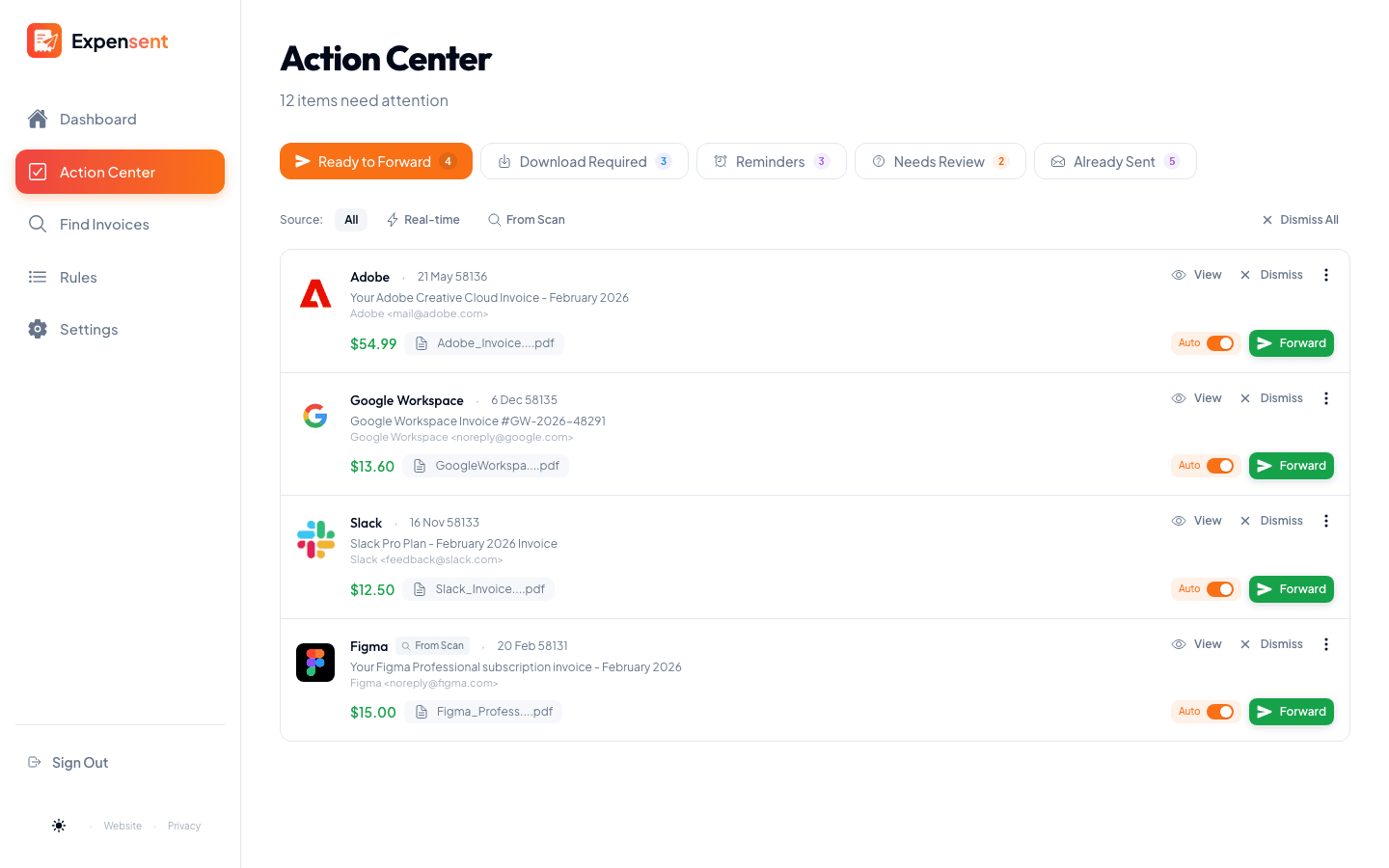
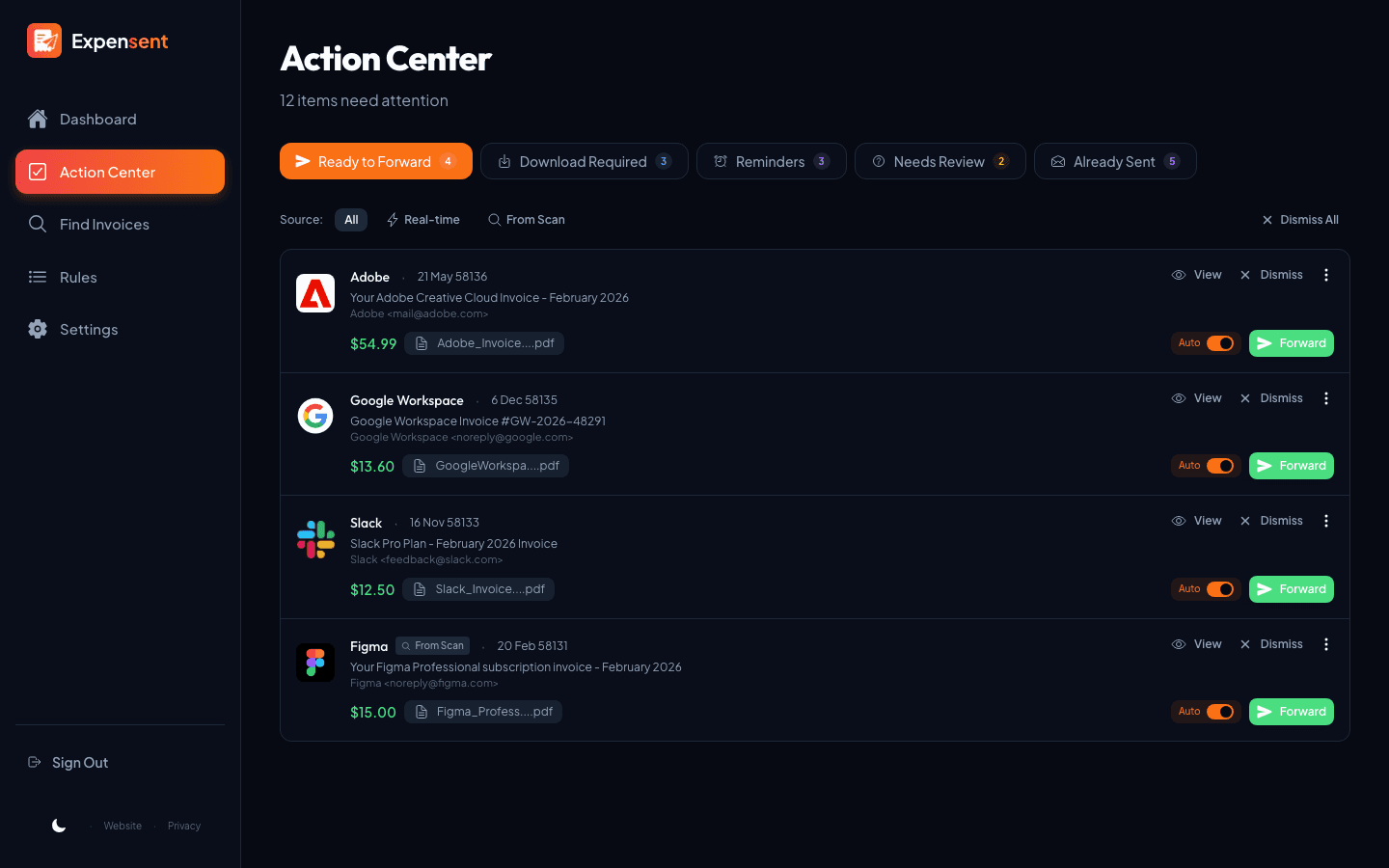
The Action Center is your invoice to-do list. Detected receipts show vendor, amount, and attachments when available, with a next step: forward it to QuickBooks, Xero, Expensify, or your accountant, grab it from a portal, or take a quick look first.
How it works
See what needs you
Receipts are sorted into ready to forward, needs a portal download, and needs review — so you have a clear place to start.
Forward to your books
One click sends the receipt to the destination you set — QuickBooks receipt address, Xero, Expensify, or your accountant. Confirm attachments, add a note, and toggle CC before it goes out.
Make it automatic
Like how a recurring receipt was handled? Turn it into a rule in one click so the next one forwards itself.
Control over each handoff
Forward with confidence
Confirm the attachments, toggle CC, and add a note for your bookkeeper or accountant before anything sends.
Handle portal invoices
When a receipt only lives in a vendor portal, download it, upload the file, and send it to your accounting software alongside the rest.
Block repeat noise
Auto-skip $0 receipts and block senders or patterns that should never be forwarded.
Proof before you send
Open the full email and a preview of each attachment so you know exactly what is going out.
Keep exploring
Find Past Invoices
Search up to 10 years of inbox history and recover receipts you already received — then forward what you need.
Auto-Forwarding Rules
Turn a recurring receipt into a one-click rule, so the next one forwards itself.
Mailbox Organization
Automatically mark read, label, archive, or file the original email in your mailbox after forwarding.
Clear the invoice pile in minutes
Connect an inbox and turn a backlog of receipts into a manageable review queue.