Scan paper receipts from your phone
Not every receipt arrives by email. Photograph a paper receipt with your phone, or upload a saved PDF, then review it and send it to the same destination as your inbox receipts.
- Scan paper receipts with your phone camera
- Auto edge-detection, flash control, and crop — multiple pages into one PDF
- Install it on your phone — no app store required
How it works
- 1
Capture or upload
Photograph a paper receipt, or upload a PDF or image that never came through email.
- 2
Review the document
Confirm the file and forwarding details before anything is sent.
- 3
Forward when ready
Send it to QuickBooks, Xero, Expensify, or your accountant with the same one-click handoff.
A real scanner in your pocket
Sharp scans, automatically
Edge detection finds the receipt, flash handles bad lighting, and auto-crop cleans up the shot.
Multi-page receipts
Combine several pages into a single clean PDF before you send.
Upload anything saved
Drag in PDFs or images you downloaded — e-invoices, statements, anything outside the inbox.
Works as an app
Install Expensent to your home screen and capture receipts on the spot, wherever you are.
Guides & integrations
Keep exploring
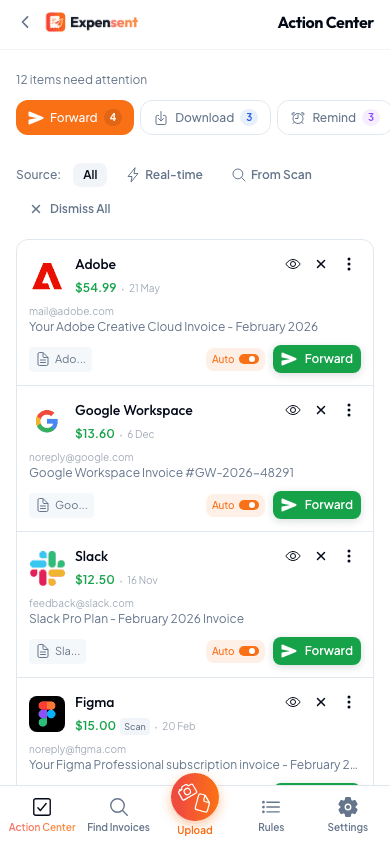
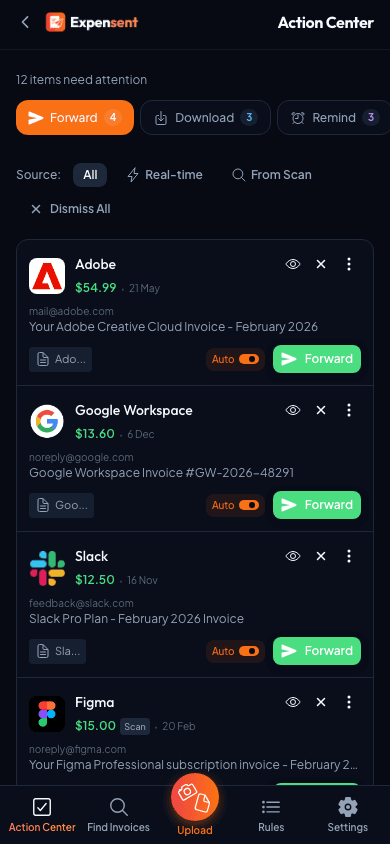
Action Center
Your invoice to-do list: review and forward to your accounting software from one queue.
Invoice Insights
Track extracted amounts, sent-value trends, top vendors, and workflow mix before documents reach your books.
Mailbox Organization
Automatically mark read, label, archive, or file the original email in your mailbox after forwarding.
Common questions
Do scanned receipts use a separate workflow?
No. From the dashboard, paper receipts and uploaded files open in a final review before they are sent to your configured destination. Action Center also lets you upload proof for items in Download Required.
When should I upload a file instead of scanning it?
Upload a saved PDF or image when the receipt already exists on your device, such as a downloaded statement or vendor portal invoice. Use the camera scanner when you only have a paper receipt and want a clean digital copy.