Expensent features
Everything Expensent does with your receipts
Connect your inboxes, let AI find receipts and invoices, and automate recurring handoffs with rules you approve. Pro lets you route documents to different accountants, software addresses, or teams.
Every receipt in one place
Email, uploads, and phone scans all land in the same workflow.
You approve what gets sent
Preview the email and attachment before anything reaches QuickBooks, Xero, Expensify, or your accountant.
By hand or on autopilot
Forward a receipt yourself, or set a rule and let the next one go automatically.
From inbox to your accounting software, every step
Each part of the workflow does one job well — from connecting your inboxes to filing the receipts you have already forwarded.
Inbox & Detection
Connect your inboxes, find receipts with privacy-first AI, and recover the ones you missed.
Connected Inboxes
Link Gmail, Outlook, iCloud, and IMAP inboxes, then work likely receipts from one place.
AI Invoice Detection
Find invoices, receipts, and bills across your inbox with AI that puts privacy first.
Find Past Invoices
Search up to 10 years of inbox history and recover receipts you already received, then forward what you need.
Workflow & Forwarding
Review what came in and forward it your way.
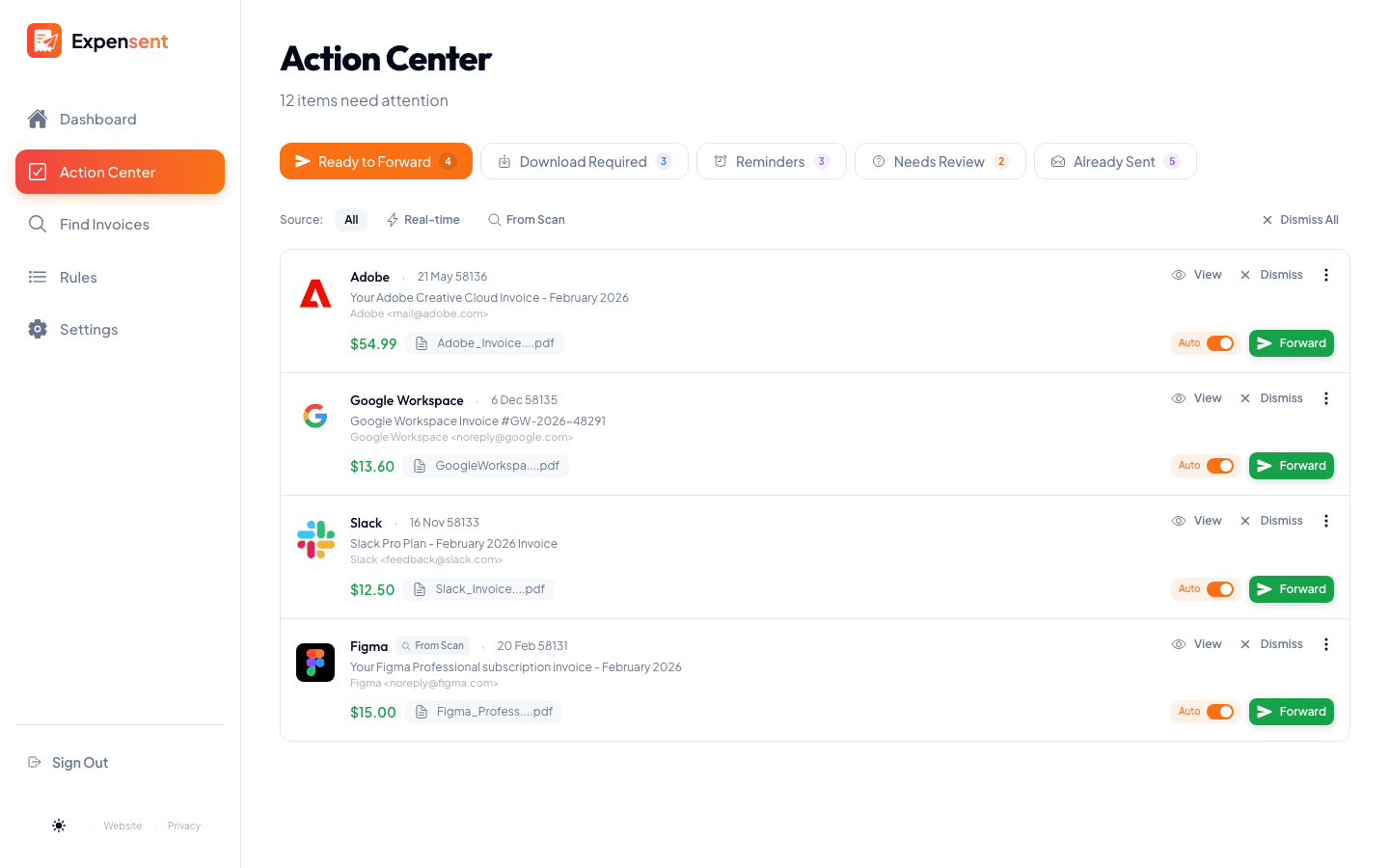
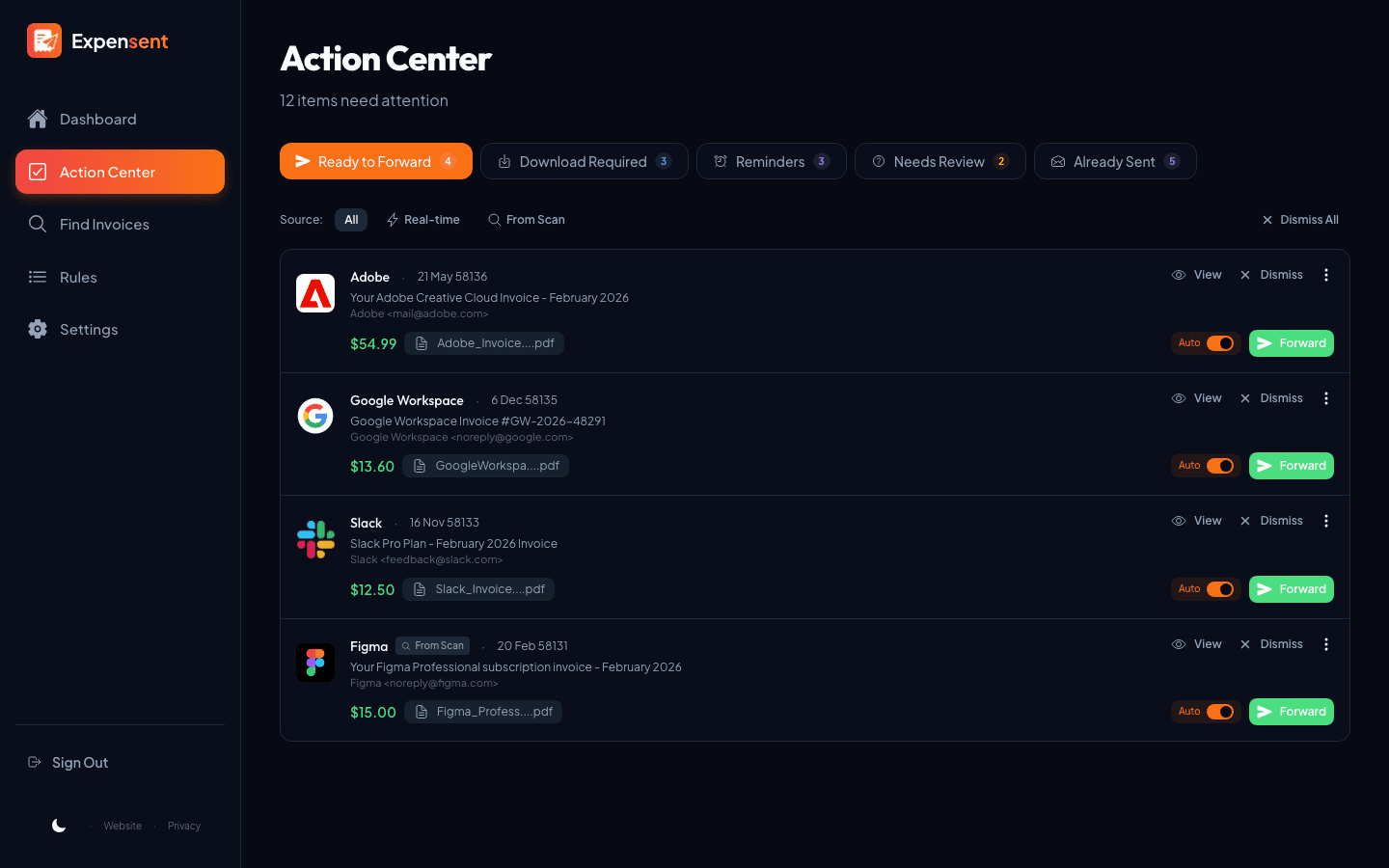
Action Center
Your invoice to-do list: review and forward to your accounting software from one queue.
Auto-Forwarding Rules
Turn a recurring receipt into a one-click rule, so the next one forwards itself.
Invoice Routing
Send each invoice to the right company, accountant, or app. With Pro, save up to 20 destinations and choose one per send or rule.
Mobile Scanner & Upload
Capture paper receipts and upload files, then review and forward them to your configured destination.
Reporting & Organization
See what your receipts add up to, and keep your mailbox organized.
Privacy-first by design
We look for receipts — not at your inbox
Expensent checks email metadata first, so most messages are ruled out without ever being read. Only emails that look like receipts have their body checked, and attachments are opened only for confirmed invoices. No email content is stored on our servers.
First, only the sender, subject, and attachment names are checked
The body is read only when an email looks like a receipt
Attachments are opened only for confirmed invoices
Good fit
- Invoices and receipts pile up across your email.
- You forward documents to an accountant or accounting tool.
- You want to approve what gets sent before it goes out.
- You have older invoices buried in your inbox to recover.
Not a fit
- You need full bookkeeping, reconciliation, or reimbursement approvals.
- You want a general email client, not an invoice workflow.
- You never review documents and a basic Gmail filter is enough.
- You expect final tax or accounting decisions made for you.