Automatically forward recurring invoices to your accounting software
See a receipt you will get every month? Turn it into a rule in one click. From then on, when that invoice arrives, it goes straight to the destination you set — QuickBooks receipt address, Xero, Expensify, or your accountant — with the note, attachments, and CC toggle saved on the rule.
- Create a rule from any real receipt in one click
- The next time it arrives, it forwards on its own
- Set notes, attachments, and CC on/off per rule — CC recipients live in email settings
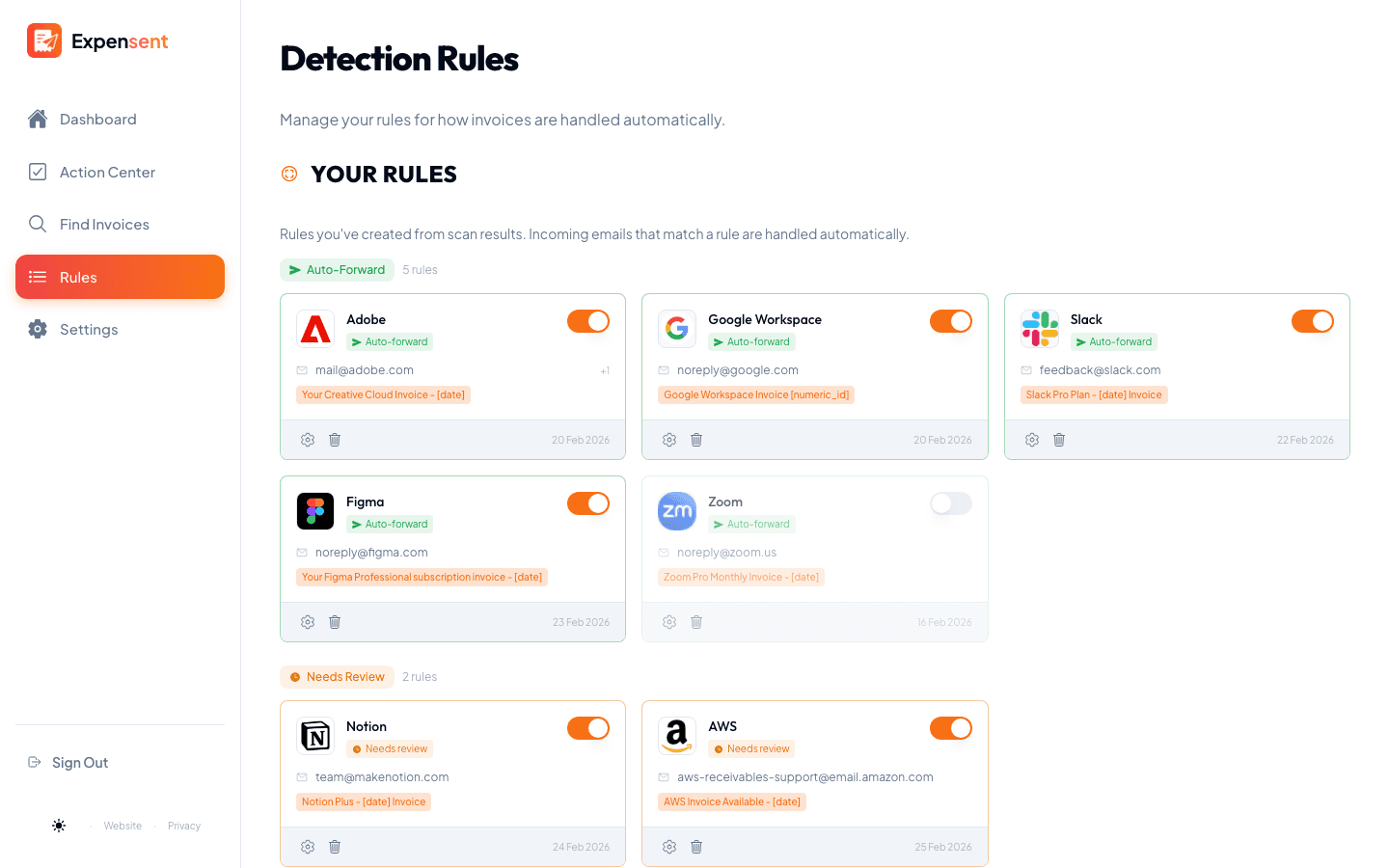
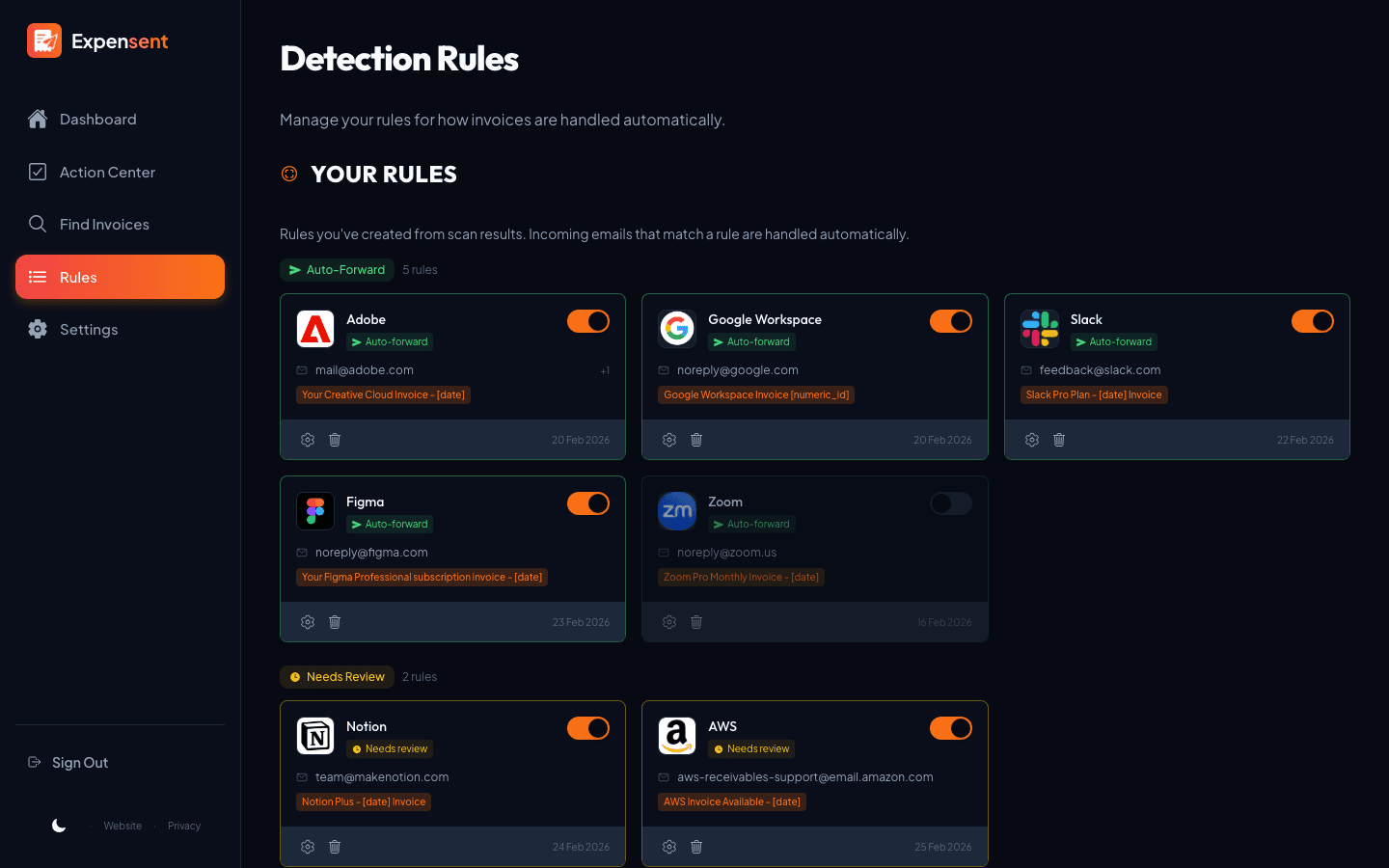
How it works
- 1
Start from a receipt you trust
Reviewed a receipt and want the next one handled for you? Turn it into a rule, right from the Action Center.
- 2
Set the delivery details
Add a note for your bookkeeper or accountant, choose which attachments to include, toggle CC on or off for that rule, and skip $0 receipts — all saved with the rule.
- 3
Let the next one fly
When a matching invoice arrives, Expensent forwards it for you — no inbox digging, no manual send.
The handoff, exactly how you want it
Loop in your team
Add CC recipients once in email settings, then turn CC on or off per rule — handy when some vendors should copy your bookkeeper and others should not.
Notes for your books
Attach a standing note like “hosting bill — office expenses” to each receipt a rule sends to QuickBooks, Xero, or your accountant.
Choose the attachments
Forward only the document types you want, or send the email body as proof when there is no file.
Skip and block
Auto-skip $0 receipts and block senders or subjects that should never be forwarded.
Guides & integrations
Keep exploring
AI Invoice Detection
Find invoices, receipts, and bills across your inbox with AI that puts privacy first.
Action Center
Your invoice to-do list: review and forward to your accounting software from one queue.
Mailbox Organization
Automatically mark read, label, archive, or file the original email in your mailbox after forwarding.
Common questions
Can I auto-forward to QuickBooks or Xero?
Yes. Set your forwarding destination to your QuickBooks receipt address, Xero workflow, Expensify inbox, or your accountant’s email in settings. Rules send matching future invoices there automatically.
What gets saved on each forwarding rule?
Each rule stores the vendor match, note, attachment choices, CC on/off toggle, and skip-$0 behavior. CC recipient addresses are set once in email settings and reused across rules.