Find invoices with AI that puts privacy first
Expensent’s AI starts with basic email details, such as the sender, subject, and attachment names. Only messages that pass this first check have their content analyzed by AI. Email bodies and attachments are not stored after analysis or used to train AI models.
- Finds invoices, receipts, bills, credit notes, and refunds from many vendors
- Works with PDF, JPG, and PNG files — and receipts contained in the email itself when enabled
- Checks new mail after you connect your inbox
How it works
- 1
Starts with the basics
The AI first checks who sent the email, its subject, and the names of any attachments.
- 2
Looks closer when needed
Messages that pass the first check are analyzed to understand the document and find useful details such as the vendor, amount, and date.
- 3
Shows you what to do next
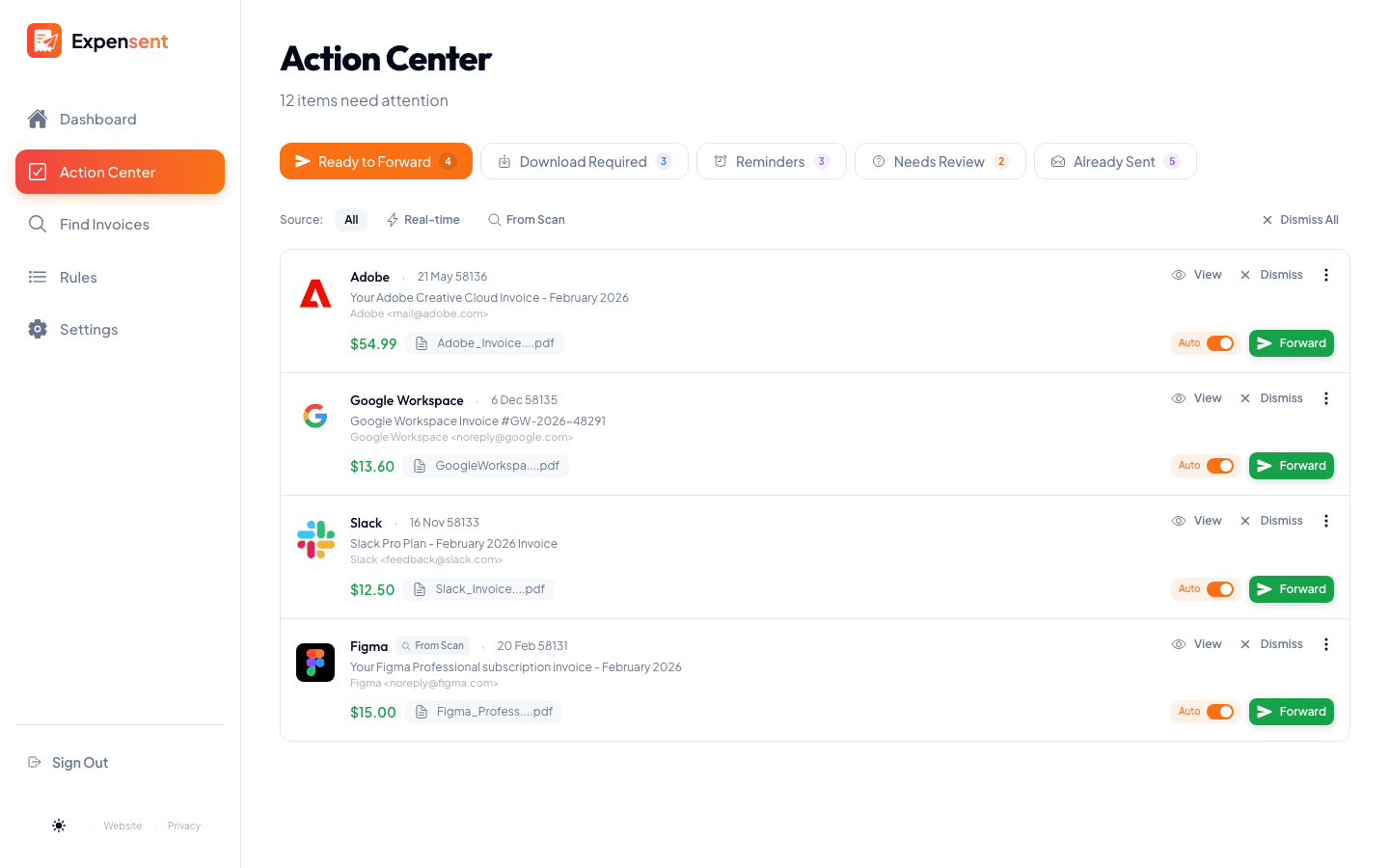
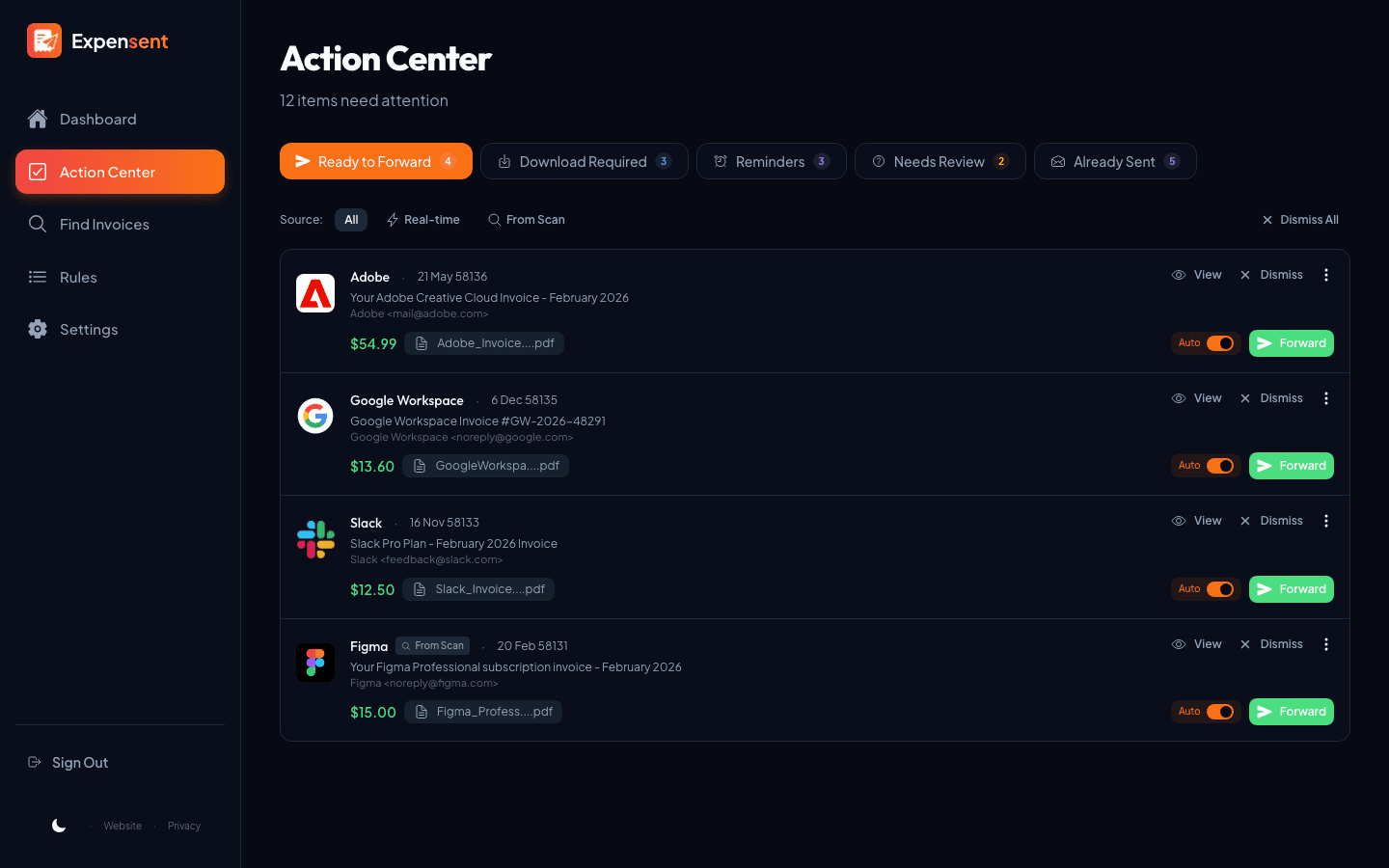
Documents are organized as Ready to Forward, Download Required, or Needs Review, so uncertain items stay under your control.
Smart invoice detection that respects your inbox
More than keywords
Finds financial documents across different vendors and email formats — not only messages containing the word “invoice.”
Understands the document
Reads supported attachments to tell invoices, receipts, credit notes, refunds, and other financial documents apart.
Handles email-only receipts
When enabled, Expensent can find complete receipts contained in the email itself, even when no file is attached.
Your content stays private
Email bodies and attachments are not stored after analysis and are never used to train AI models.
Keep exploring
Action Center
Your invoice to-do list: review and forward to your accounting software from one queue.
Auto-Forwarding Rules
Turn a recurring receipt into a one-click rule, so the next one forwards itself.
Find Past Invoices
Search up to 10 years of inbox history and recover receipts you already received, then forward what you need.
Common questions
Does the AI read every email?
No. The AI checks basic details first, such as the sender, subject, and attachment names. Only messages that pass this first check have their email body or attachments analyzed by AI.
Does Expensent store the email bodies or inbox attachments it analyzes?
No. For inbox detection, email bodies and attachments are processed during analysis and are not stored afterward. Expensent keeps the details needed to show and manage a detected document, such as its sender, subject, date, attachment information, and classification.
Is my email used to train AI models?
No. Your email content is used only to provide Expensent’s invoice detection and extraction features. It is not used to train, fine-tune, or improve AI models.
What happens when Expensent is not sure?
The message is placed in Needs Review so you can check it and decide what should happen next.