Find past invoices and receipts in your email
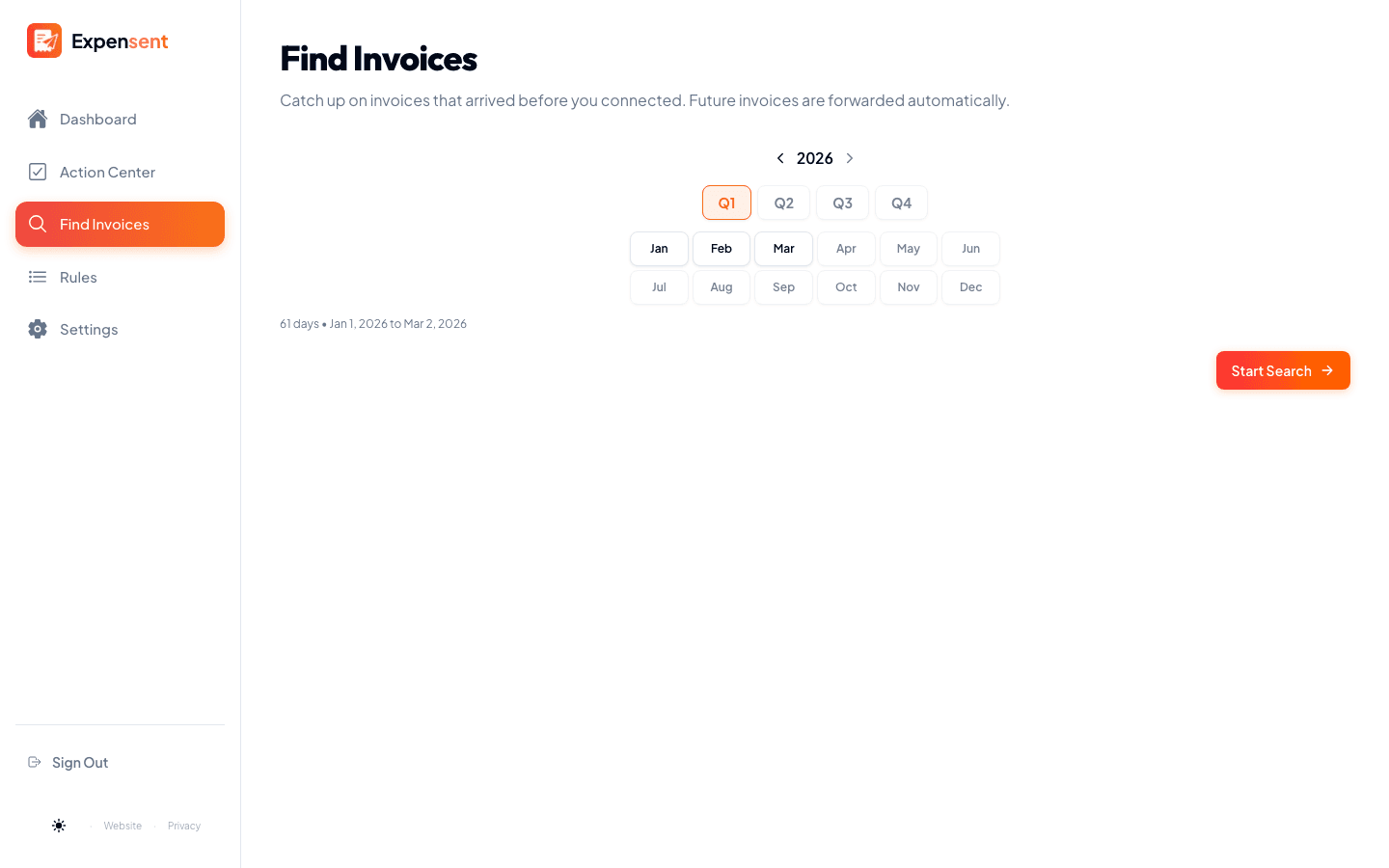
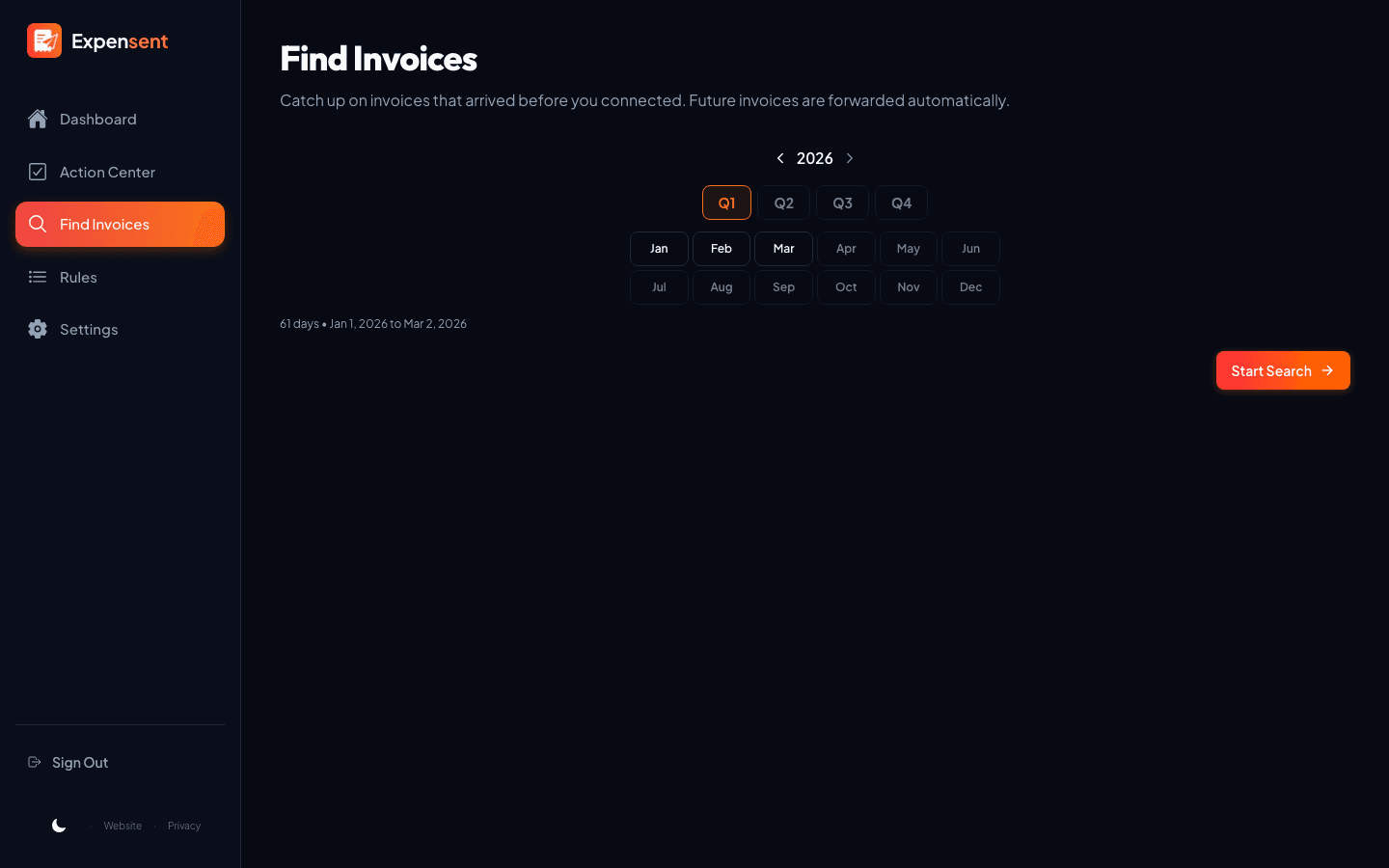
Switching to Expensent does not mean starting from today. Search up to 10 years of inbox history, month by month or quarter by quarter, then forward what you still need to your accounting software.
- Search up to 10 years back, month or quarter at a time
- Each result shows its next step, just like new mail
- Forward old receipts to QuickBooks, Xero, Expensify, or your accountant
How it works
- 1
Pick the inbox to search
Choose the account that likely received the older invoices and start a scan.
- 2
See what turns up
Expensent surfaces the receipts hiding in your history and groups them by what to do next.
- 3
Forward or tidy up
Send the ones you still need to QuickBooks, Xero, Expensify, or your accountant, and leave the rest behind.
Catch up without the archaeology
Filter the haystack
Search by vendor or subject, and filter by document type and connected account to find the receipts you are after.
Preview before you send
Confirm an older email is the right document with a full preview of the message and its files.
Portal invoices flagged
When a receipt lives behind a vendor portal, Expensent flags it so you know to grab the file.
Keep exploring
Connected Inboxes
Link Gmail, Outlook, iCloud, and IMAP inboxes, then work likely receipts from one place.
Action Center
Your invoice to-do list: review and forward to your accounting software from one queue.
AI Invoice Detection
Find invoices, receipts, and bills across your inbox with AI that puts privacy first.
Common questions
How far back can I search my inbox?
You can search up to 10 years back. Pick a month or quarter in the connected inbox you choose, then Expensent puts the results in the same review queue as new mail.
Do past invoices use the same review workflow?
Yes. Recovered receipts land in the Action Center with the same next-step tabs — ready to forward, needs a portal download, or needs review — so you handle old and new receipts the same way.